How to Set Up a Standing Desk Without Wrecking Your Back
Standing desks reduce harm only when used right. Learn the 30/30 sit-stand ratio, anti-fatigue positioning, and the height errors that cause new pain.
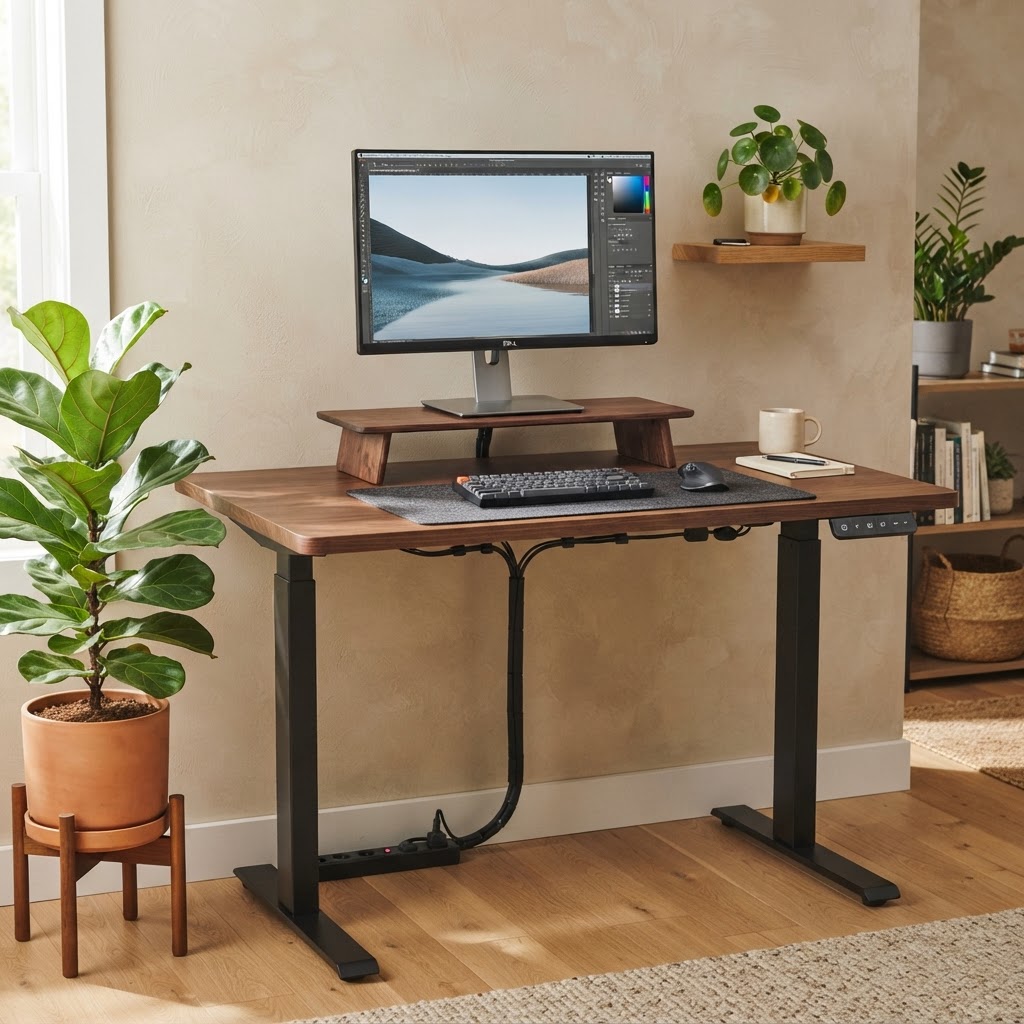
A standing desk is a tool, not a cure. Used poorly, it simply relocates strain — from your lower back to your knees, hips, and feet. The goal is postural variety, not standing endurance.
The 30/30 principle
Cornell's ergonomics research recommends shifting between sitting and standing every 30 minutes rather than standing for long stretches. Aim for roughly 2 hours of standing spread across an 8-hour day, building up gradually over several weeks.
Set the height to your elbow
Standing desk height should match your resting forearm position: elbows bent 90–100°, wrists straight, shoulders relaxed. A common mistake is setting the desk too high, which hikes the shoulders and fatigues the trapezius within minutes.
Monitor still needs to be at eye level
Standing doesn't exempt you from monitor geometry. Keep the top of the screen at eye level. If you use a monitor arm, adjust it each time you transition — what's eye-level seated is not eye-level standing.
Support your feet
Stand on an anti-fatigue mat, wear cushioned shoes, and shift weight frequently. Avoid locking your knees; keep a soft micro-bend. Periodically rest one foot on a small step or footrest to tilt your pelvis into a neutral position and offload the lumbar discs.
Watch for these warning signs
- Knee or calf ache within the first 10 minutes → desk is likely too high or you're locking your knees.
- Lower-back tightness at day's end → you're standing too long in one position; increase transitions.
- Foot or heel pain → add an anti-fatigue mat and limit standing blocks to 30 minutes.
The takeaway
The benefit of a standing desk comes from movement, not from standing itself. Build a rhythm: sit, stand, walk, stretch. Your back prefers variation over any single posture.
Tags
Ready to apply this knowledge?
Book a professional ergonomic assessment and implement evidence-based changes in your workspace.
Book an Assessment